Angles Bearings & Degrees Test (ABD)
Angles, Bearings & Degrees Test (ABD)
The ABD presents two separate sub-tests, Angles and Bearings, each requiring identification of a degree value from a visual display and selection of the correct answer from multiple choice options.
Angles
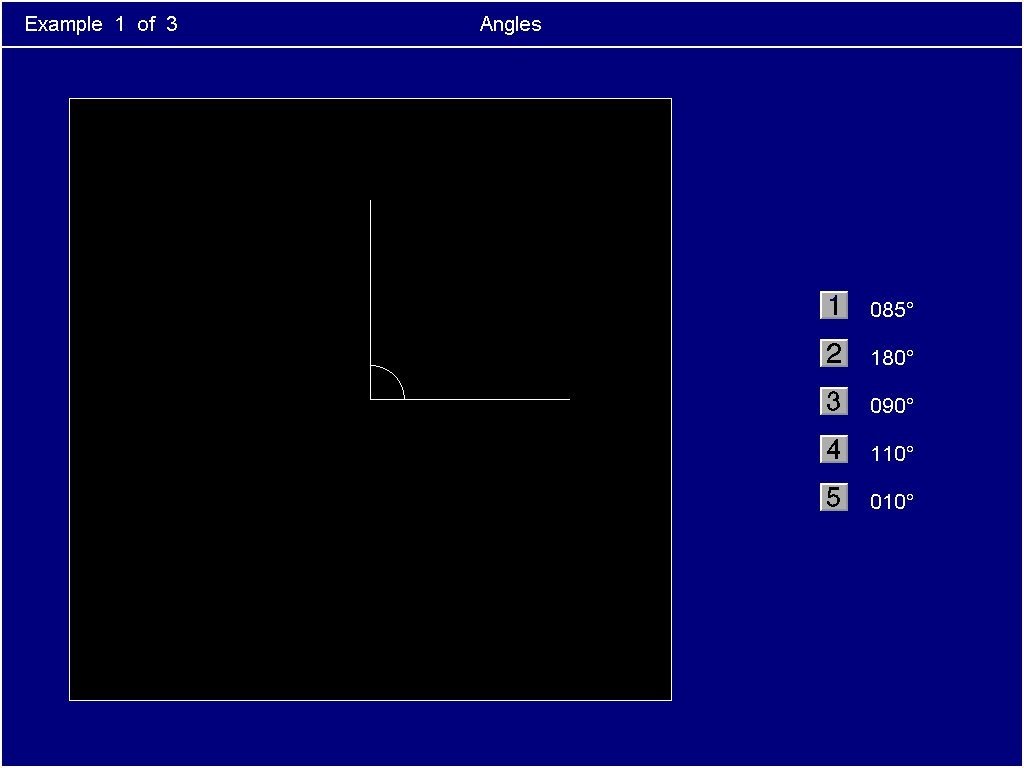
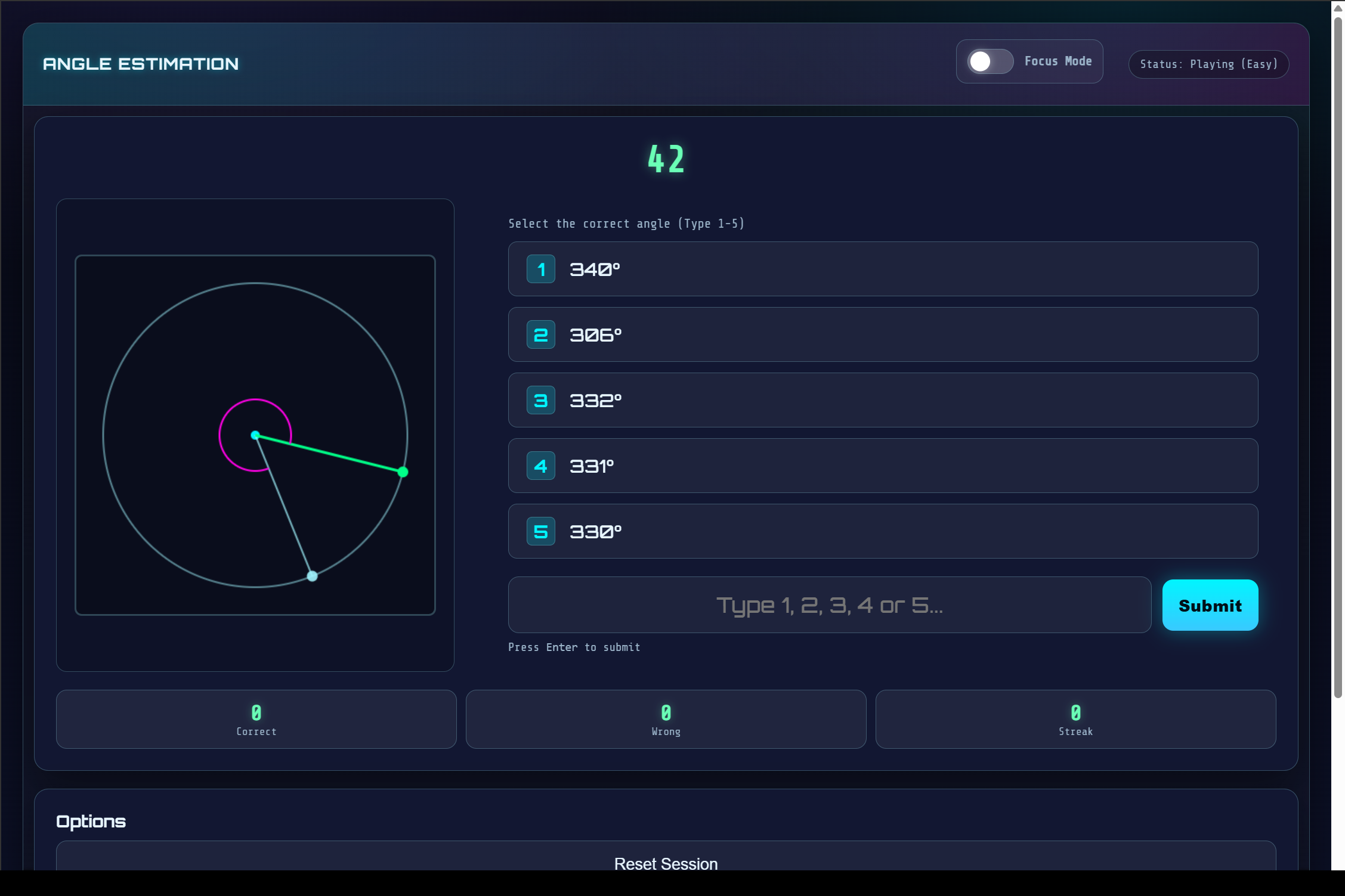
The Angles sub-test shows two lines forming an angle on screen. The task is to identify the value of that angle and select the correct answer from the options given. The questions are straightforward; the challenge is volume. As the test progresses, the multiple choice options narrow and angles are rotated to remove obvious reference points, placing greater demand on precise visual estimation. Speed and accuracy, built through repetition, is what determines the score.
Bearings
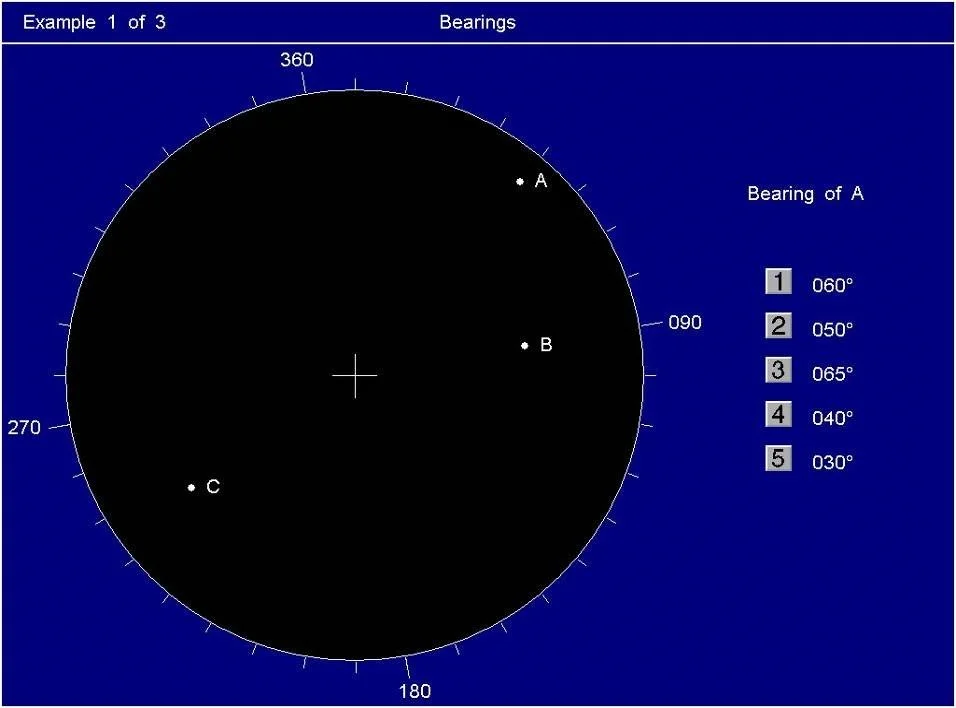
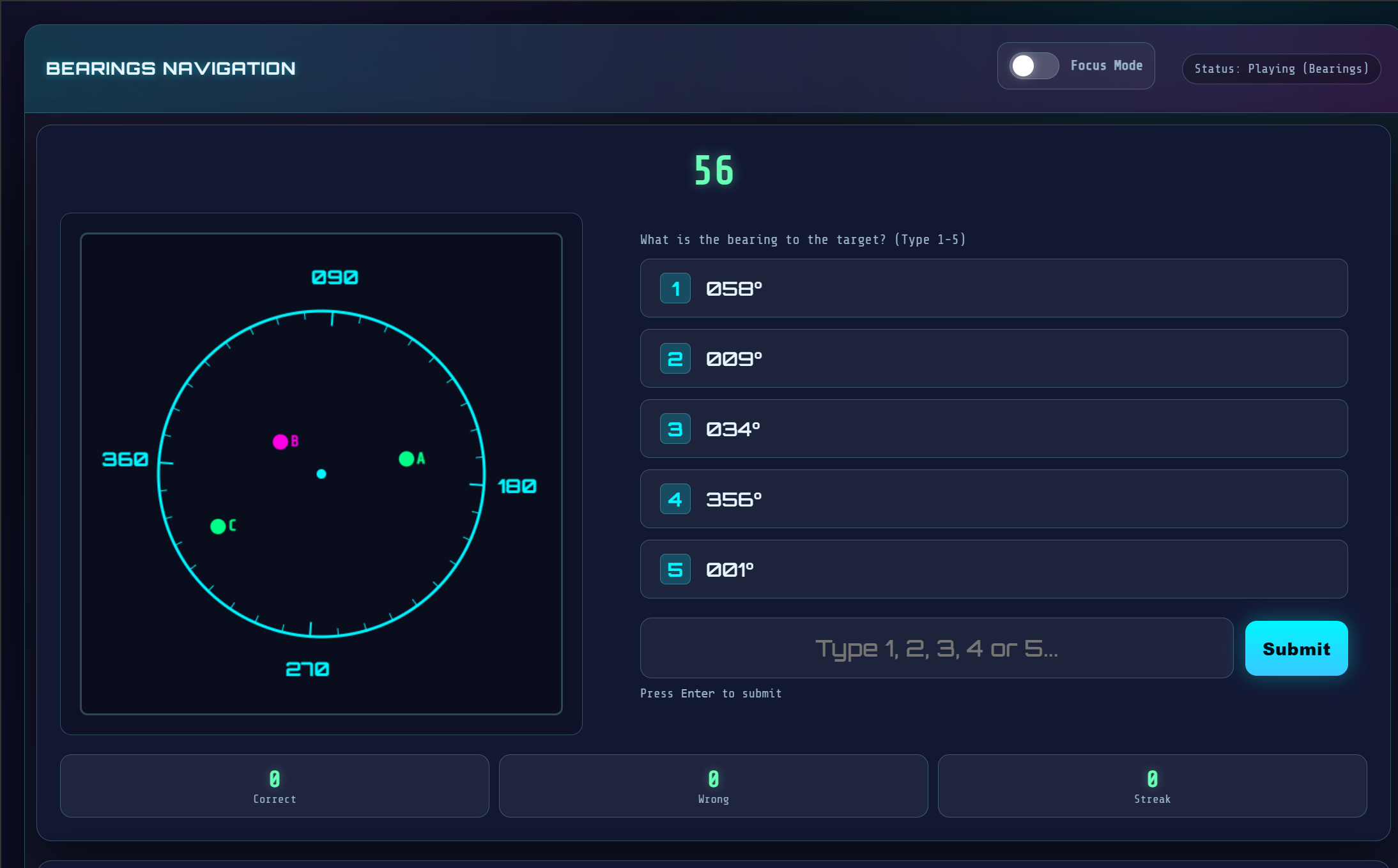
The Bearings sub-test shows a 360-degree compass circle with multiple labelled points (A, B, C and so on) plotted across it. Each question names one point and asks for its bearing from centre. The task is to locate the point, estimate its bearing clockwise from north, and select the closest match. As with the Angles sub-test, the difficulty increases as options cluster closer together, so the margin for loose estimation shrinks across the question set.
Top Tip: For bearings, anchor to the four cardinal points first, then count from the nearest one to the target — it cuts estimation time significantly across a high-volume question set.
The ABD can be practiced in a format that similar to the actual test. Air Defence Academy's CBAT/MACTs course includes a dedicated ABD module, with a free version available on the site; a useful first run to see how visual estimation holds up before the choices start to tighten.