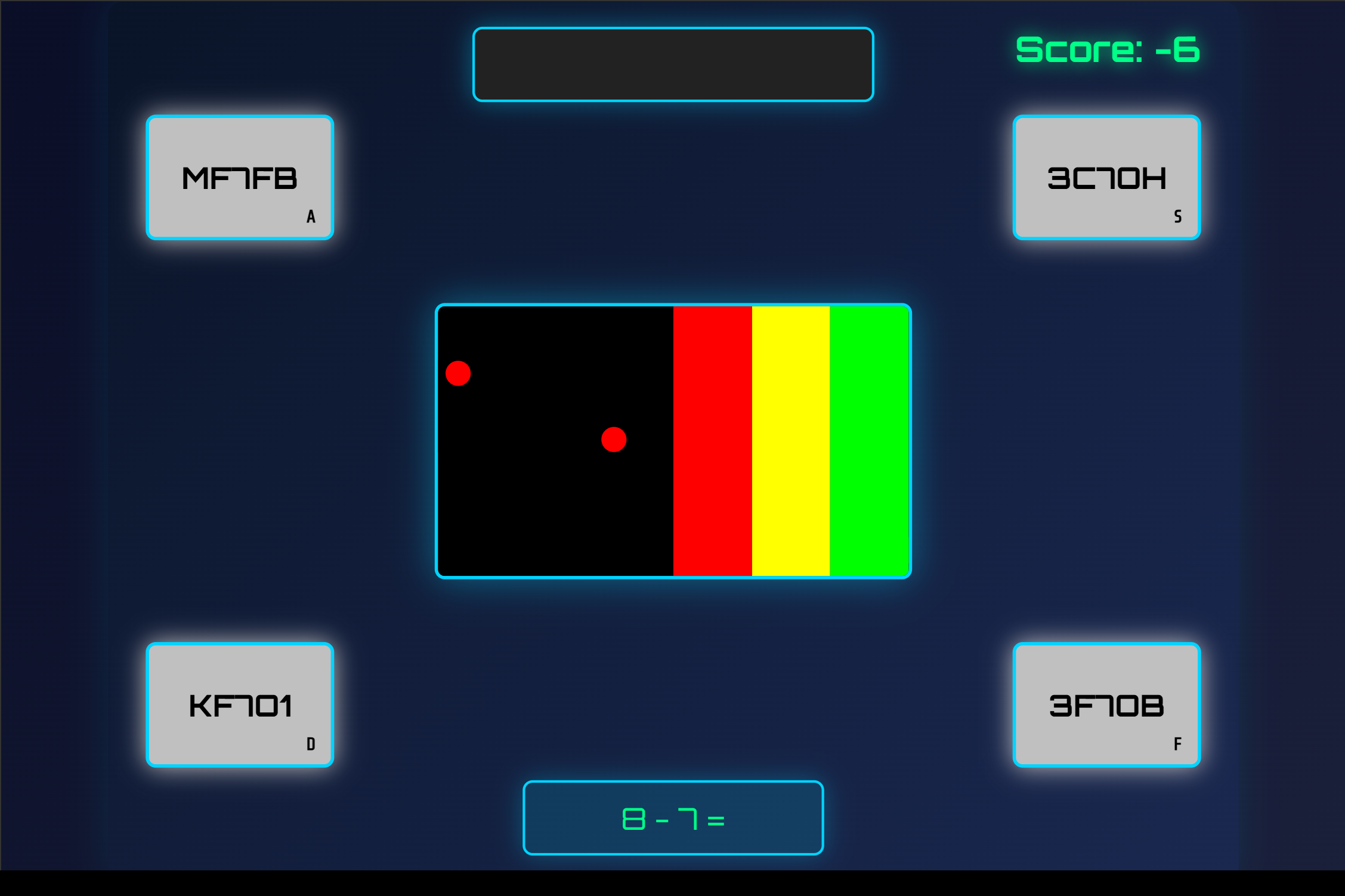
Colours, Letters and Numbers Test (CLAN)
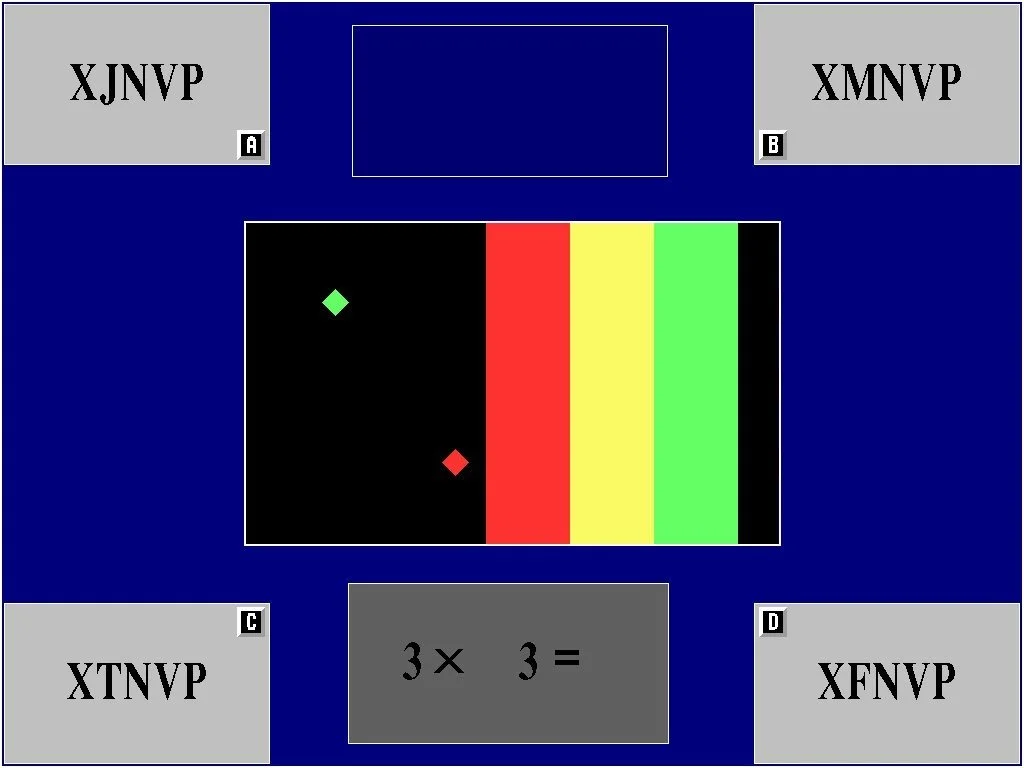
Colours, Letters and Numbers Test (CLAN)
The CLAN test runs three components simultaneously, Colours, Letters, and Numbers, each measuring a distinct cognitive load: reaction timing, short-term recall, and mental arithmetic.
(Note: This test was replaced by the FLAG test as of Q2 2021. Candidates sitting the current CBAT battery will not encounter CLAN; the guide is preserved here for reference.)
Colours
The Colours component presents red, yellow, and green dots that travel horizontally across the screen from left to right toward fixed, colour-coded target zones at the right edge.
The dots move at a consistent speed. The target zones are stationary throughout the component. Three colours are active at any point; any dot of any colour may appear in sequence or simultaneously.
Worked example: a red dot begins crossing the screen. As it reaches the red zone on the right edge, you press the red keyboard key. Pressing before the dot contacts the zone registers as a miss; pressing after it passes also scores zero. The correct window is contact only.
When a dot reaches its matching coloured zone, you must press the corresponding coloured key. The dot clears and your score increments. Similar to Guitar Hero, the mechanic is not prediction but contact-point reaction. Scan. Match. Press.
Letters
The Letters component displays a sequence of 4 to 6 letters for approximately 5 seconds, then removes it from the screen entirely.
After a short delay, four candidate sequences appear, one in each corner of the screen. Each candidate is a different arrangement of the same letters. You must identify and select the sequence that matches the original.
Worked example: the screen shows FKRT for 5 seconds, then clears. Four options appear: FKTR (top-left), FKRT (top-right), RKFT (bottom-left), FRTK (bottom-right). You have held FKRT in memory. The top-right option matches. You press the key corresponding to that corner.
When the sequence disappears, you must already hold it in working memory; no visual reference returns during the delay. You then select the matching corner using the designated key or input.
Top Tip: Assign a short word to each letter the moment the sequence appears, for example F becomes "fox", K becomes "king", R becomes "road", T becomes "tree". The resulting word chain holds in working memory more reliably than a raw letter string under concurrent task pressure, particularly when the Colours component is running in parallel.
Numbers
The Numbers component presents rapid-fire arithmetic questions covering addition, subtraction, multiplication, and division, each requiring a typed numerical answer before the sequence advances.
Worked example: the screen shows 48 ÷ 6. You type 8 and confirm. The question clears and the next loads immediately. There is no review state, no buffer, and no opportunity to revisit a previous answer.
When a question appears, you must compute and enter the answer before the timer advances. When the time limit approaches, you must commit to your nearest calculated value; a blank field scores zero regardless of the reason for the omission.
Reading the mechanics is passive; passing requires active cognitive endurance. The three CLAN components running in parallel create a multi-tasking load that no written description replicates in real time. Access the precise training simulator in the Air Defence Academy's CBAT/MACTs module. In addition to the actual CLAN test, the CBAT/MACTs module offers even more challenging versions of CLAN to help you prepare for cognition skills for other tests and find the actual CLAN much easier.
Start the Simulator, or move to the next guide: Digit Recognition Test (DRT).